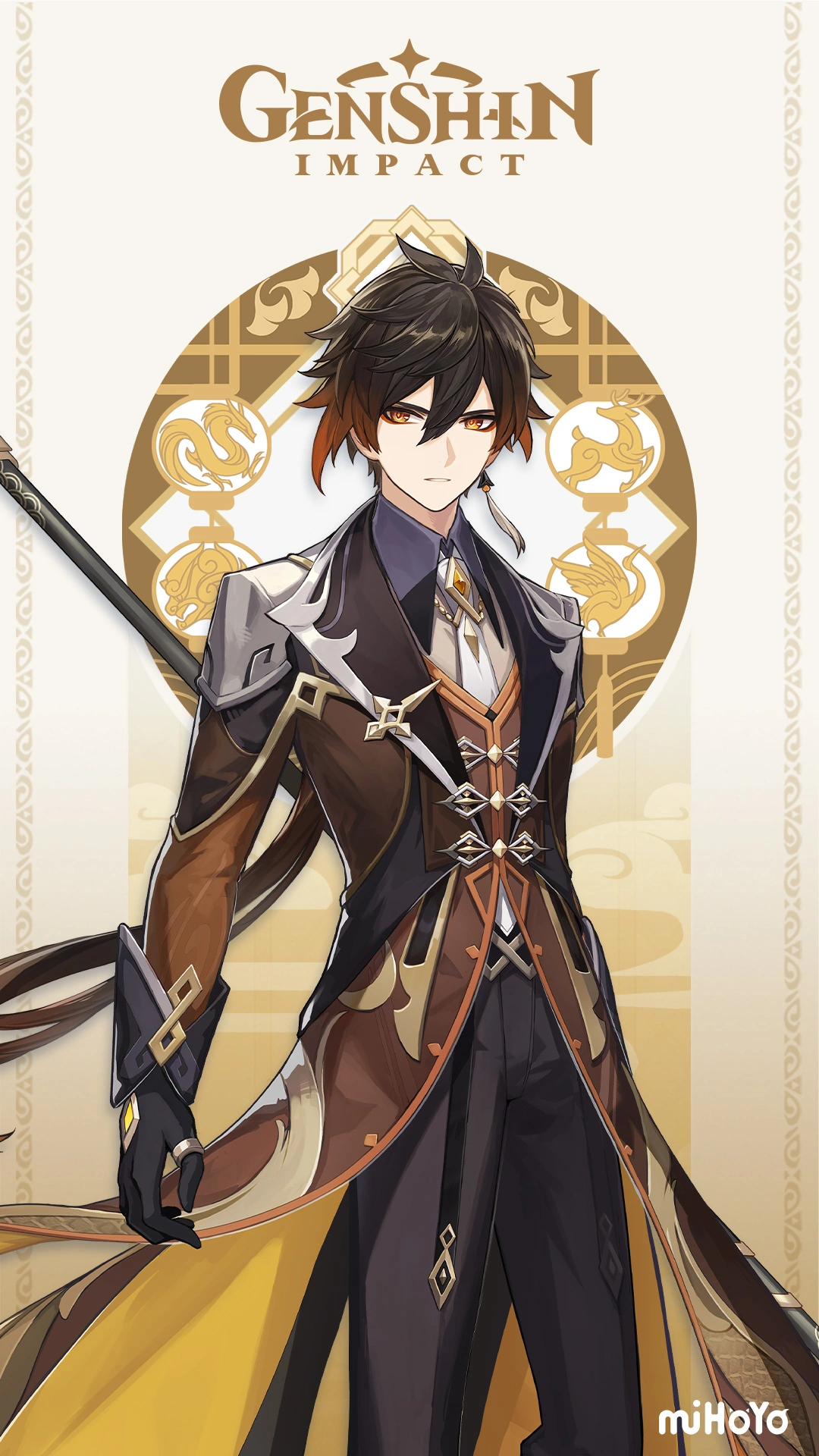
Zhongli AI Voice Generator — Free Text to Speech
Get a Zhongli-style Text to Speech clip in seconds: preview, generate and download MP3 without signing up.
Free · No sign-up · Works in your browser
Enter your text
Choose a voice
By clicking Generate you confirm that you have obtained explicit written authorization from the voice owner or provider for any voice you provide, and that you will use the generated audio only for lawful purposes. See our Terms of Use.
How to make Zhongli-style audio online
Create a TTS clip in four quick actions — no install, works on desktop or mobile.
- 1
Type your lines
Enter the text you want spoken right on the page. Use natural phrasing and short lines for best results.
- 2
Pick Zhongli-style
Select the Zhongli-style voice and press the preview button to hear an instant sample before you generate.
- 3
Generate audio
Click Generate. Our servers produce the Text to Speech audio in seconds and send playable audio back to the page (TTS runs server-side).
- 4
Play or download
Listen in the browser, tweak text if needed, then download the MP3 file for use in videos, memes or streams.
Zhongli AI Voice Generator features
A browser Text to Speech tool built for fast previews and MP3 downloads. Works without installs and supports TTS across desktop and mobile.
No install, works in-browser
Type and create audio on the page — no app, no downloads. The page runs in any modern desktop or mobile browser.
Instant preview before you generate
Every voice includes an instant preview clip you can play to check tone and pacing before producing the full MP3 file.
Downloadable MP3 output
Generated audio is available as an MP3 you can download and drop into videos, voiceovers, memes or game clips.
Built with voice-cloning Text to Speech
The Zhongli-style voice is an AI recreation powered by voice-cloning TTS technology; you’ll see the style labeled explicitly as “Zhongli-style”.
Large voice library
Choose from 195+ AI voices across Cartoon, Anime, Gaming, Music and Character categories to compare tones and styles.
Free use with upgrade option
No account needed to try the tool in the browser; an upgrade raises per-generation length limits if you need longer passages.
What you can make with a Zhongli-style voice
Ideas fans and creators use this voice for — concrete, platform-ready outputs.
Short Genshin tribute videos
Add a Zhongli-style narration to montage clips, lore summaries or character tribute shorts for YouTube and TikTok.
RP and fan audio messages
Create roleplay lines, voicemail-style clips, or character replies for forums and community servers.
Twitch and Discord alerts
Use the MP3 as a custom stream alert or a Discord join sound to give your channel a distinctive, deep tone.
Game clip voiceovers
Narrate highlights or add dramatic lines to gameplay edits and memes with a steady, measured Zhongli-style delivery.
Short-form social audio
Produce quick voiceovers for reels, shorts and TikTok content — the MP3 downloads are ready to upload.
Why use this Zhongli-style Text to Speech
Outcomes you get faster or easier compared with recording or complex tools.
Create voice lines in seconds
Skip setup and mic checks — TTS generates a clean clip in moments so you iterate fast.
No software or audio skill required
You don’t need recording gear or editing experience; download a production-ready MP3 and drop it into your project.
Free entry for quick tests
Try Zhongli-style lines at no cost in your browser before committing to longer sessions or upgrades.
Fits social and streaming workflows
MP3 downloads and short generation times make it easy to add voiceovers to memes, clips and streams without reformatting.
Who uses the Zhongli AI Voice Generator
Real creator roles that find this voice useful.
“I dropped a Zhongli-style line into a 30‑second sketch and it cut production time in half — ready to upload as an MP3.”
“I use the downloaded clip for an alert sound. It’s quick to make and sounds consistent every time.”
“Previewing different takes before generating saves me from re-recording. The tone fits slow, dramatic lines perfectly.”
About the Zhongli-style voice
The Zhongli-style voice aims for a low, steady baritone with measured pacing and calm authority. That voice often uses formal phrasing, a warm resonance and a controlled delivery that suits narration, lore reading and dramatic lines. Our AI recreation focuses on pacing, pitch range and phrasing so the generated samples keep those recognizable traits. You can preview short clips to dial in tone before producing the full MP3 for use in videos, streams or fan projects.
Frequently asked questions
Is the Zhongli AI Voice Generator free to use?
Yes — you can use the tool in your browser without creating an account. The site shows the free option directly on the page and you can generate and preview clips immediately.
How does the Text to Speech (TTS) process work here?
Type your text, choose the Zhongli-style voice, preview a short clip, then click Generate. Our servers run the TTS model and return playable audio that you can listen to in the browser.
Can I download the generated audio as MP3?
Yes. After generating, you can download the file as an MP3 and use it in videos, social posts or streams.
What are the character limits and upgrade options?
The free route lets you generate short passages directly in the browser. If you need longer text per generation, a Pro upgrade raises the per-generation limit; the site shows the available plan and its higher limit.
What is TTS and is this safe for fan use?
TTS stands for Text to Speech. This tool creates AI voice clips for fan content, voiceovers and memes. Check platform rules and rights holders before publishing; you’re responsible for how you use the downloaded audio.
Can I use Zhongli-style audio commercially?
The tool provides MP3 downloads, but commercial use can involve rights and platform rules. We don’t provide legal advice — review the rules where you publish and secure permissions if required.
More voices like Zhongli
Try other character-style voices like Smash Bros Announcer, Sonic, Arthur Morgan, Baldi, Mortal Kombat Announcer or GLaDOS.
This is a fan-made parody tool and is not affiliated with or endorsed by the rights holder; users are responsible for how they use generated audio.